Stop uploading your sensitive documents to the cloud.
PDF Password provides military-grade
AES encryption directly on your device.
Zero permissions, 100% offline, and designed for total privacy.

Beta Access Required: Join the group to install.
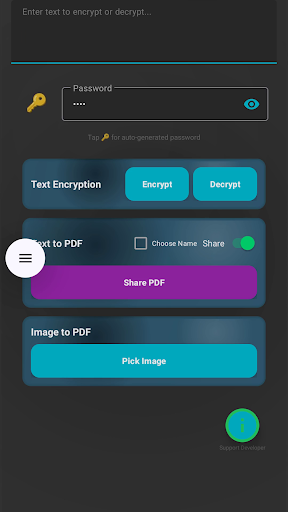
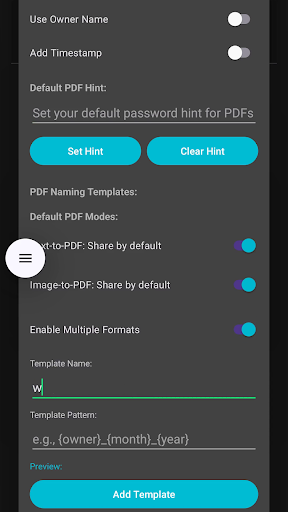
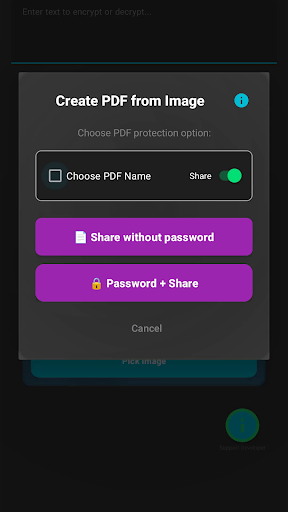
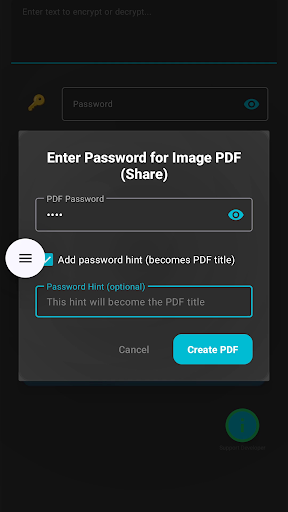
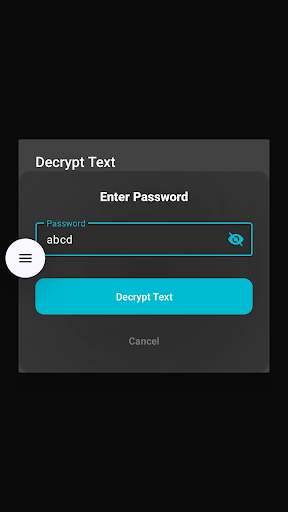
Watch how easy it is to secure your data in seconds.
Unlike other tools, we never upload your files. Encryption happens locally on your phone's processor using AES-128.
We don't ask for Storage, Internet, or Contacts permissions. It's the only app that respects your privacy by design.
Works directly from your favorite apps. "Share" text from WhatsApp or browsers to instantly encrypt or create PDFs.
Long-press text selection works in:
For incompatible apps (Google Docs/Keep):
Need to send bank details, Aadhaar cards, or sensitive passwords via WhatsApp or Email?
Don't send plain text. Use PDF Password to encrypt the data first. Set the password to something
only the receiver knows (like their childhood nickname).
Even if your social media account is hacked or the chat is leaked, your sensitive data remains
locked.
Out-of-the-box Idea: Create an interactive text-based escape room!
Send a question: "What colour is the sky on a clear, sunny day?"
Encrypt the secret reward using the answer (Blue) as the password.
MMiYaJNBr3mFpv0oz4Nmnq+aGVc+QKU0M5qH83BuHKE=
Users can only unlock the reward if they answer correctly. Instant validation!
The Missing Feature: Native apps like OneNote, Google Keep, or Samsung Notes
generally don't let you encrypt specific text blocks.
The Fix: Write your private thoughts in your favorite note app. Use PDF
Password to encrypt it in place.
Paste the "gibberish" back into your note. When you need to read it, just "Share" it back to our
app to view/edit, then re-lock it.
It adds a "Vault Layer" to any app you use.